

Last Updated on April 22, 2026 by Babusona Mondal
The West Bengal Supplementary Voter List 2026 has been officially published by the Election Commission of India. This updated electoral roll includes newly added voters, corrections, and deletions made after the release of the final voter list. Voters across all districts of West Bengal can now check their names and download the district-wise supplementary voter list PDF online. This list plays a crucial role in ensuring transparency and accuracy in the upcoming elections.
If you have recently applied for voter registration, correction, or migration, it is important to verify your details in the West Bengal Supplementary Voter List 2026. The district-wise PDF download facility makes it easier for voters to access their information quickly and confirm their eligibility to vote.
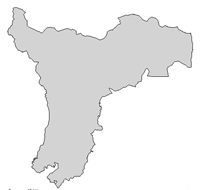
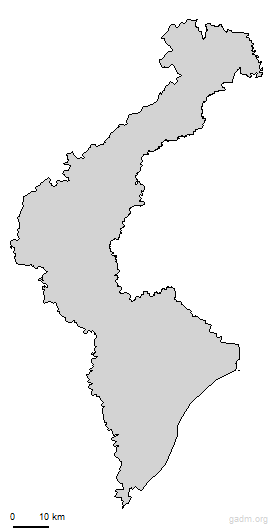
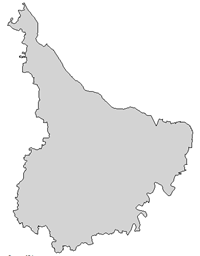
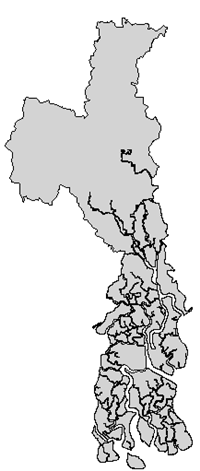
Districts in West Bengal – Select to Download Voter List
















How to Download West Bengal Supplementary Voter List 2026
The West Bengal Supplementary Voter List 2026 has been officially published by the Election Commission following the Special Intensive Revision (SIR) process, providing a final opportunity for citizens to verify their names before the 2026 Assembly Elections.
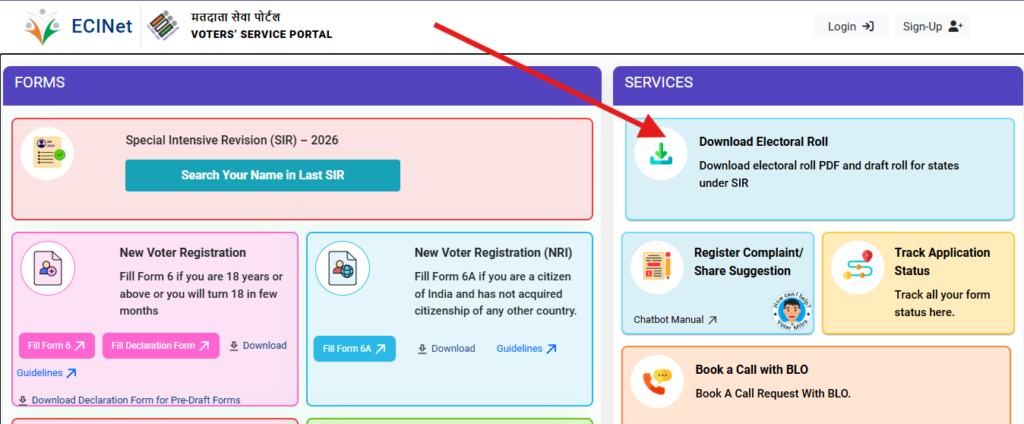
STEP 1: Visit the official ECI voters portal at https://voters.eci.gov.in/ . This is the primary secure portal for all Voter Services provided by the Election Commission of India.
STEP 2: On the homepage, go to the ‘Services’ section and click on the ‘Download Electoral Roll’ option. This will open the download form.
STEP 3: Select ‘West Bengal’ from the State dropdown menu.
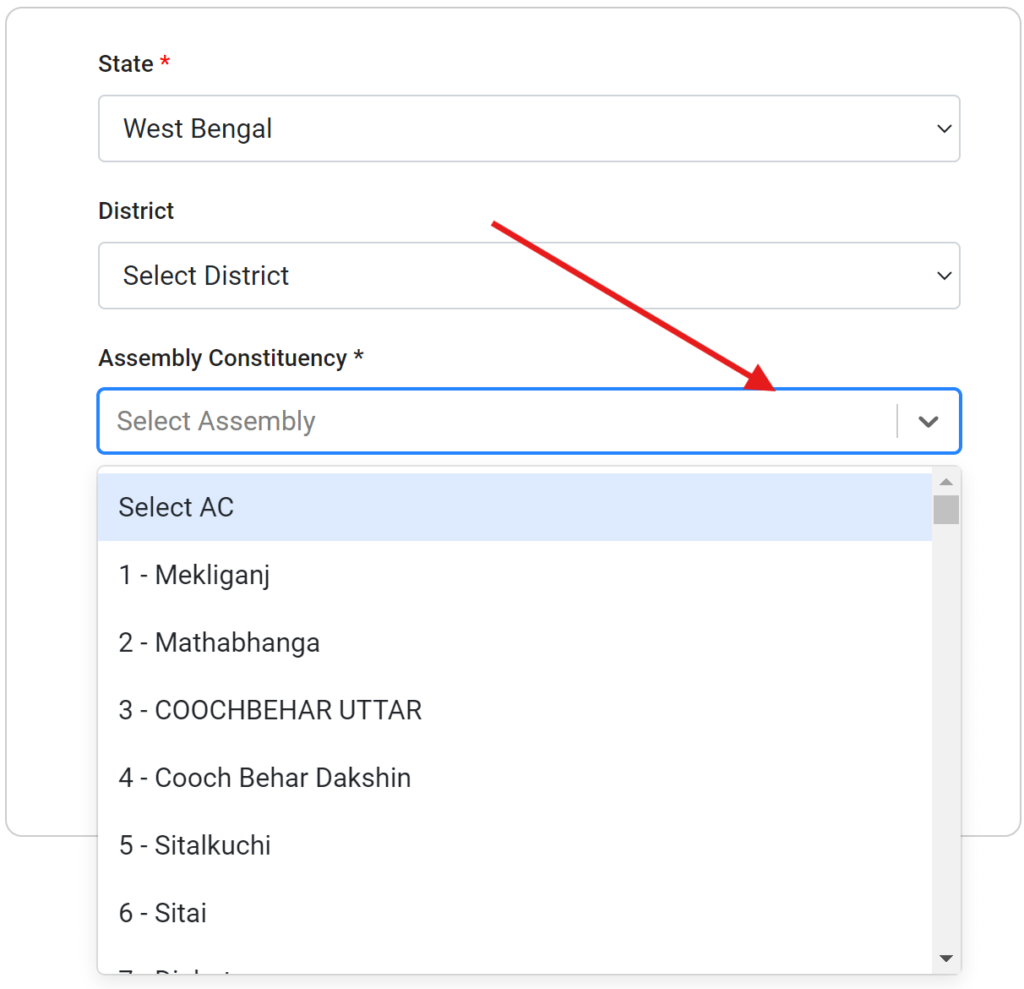
STEP 4: Choose ‘2026’ as the Year of Revision to ensure you are getting the most recent data for the upcoming elections.
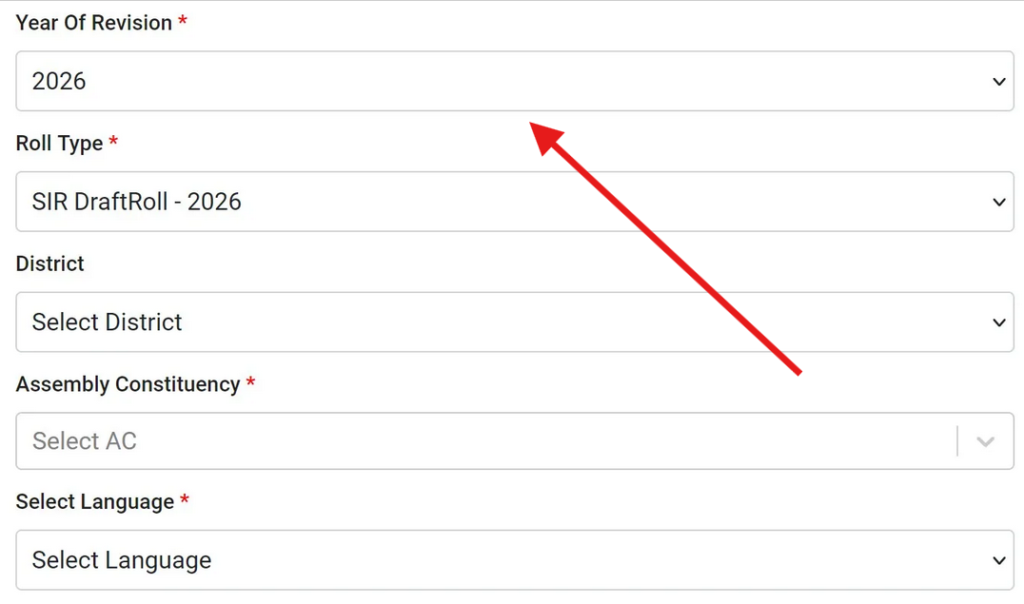
STEP 5: Select the Roll Type. For the latest additions and corrections, prioritize ‘SIR Draft Roll 2026’ or the relevant ‘Supplement Roll’ (e.g., Adjudication Supplementary List No. 15A).
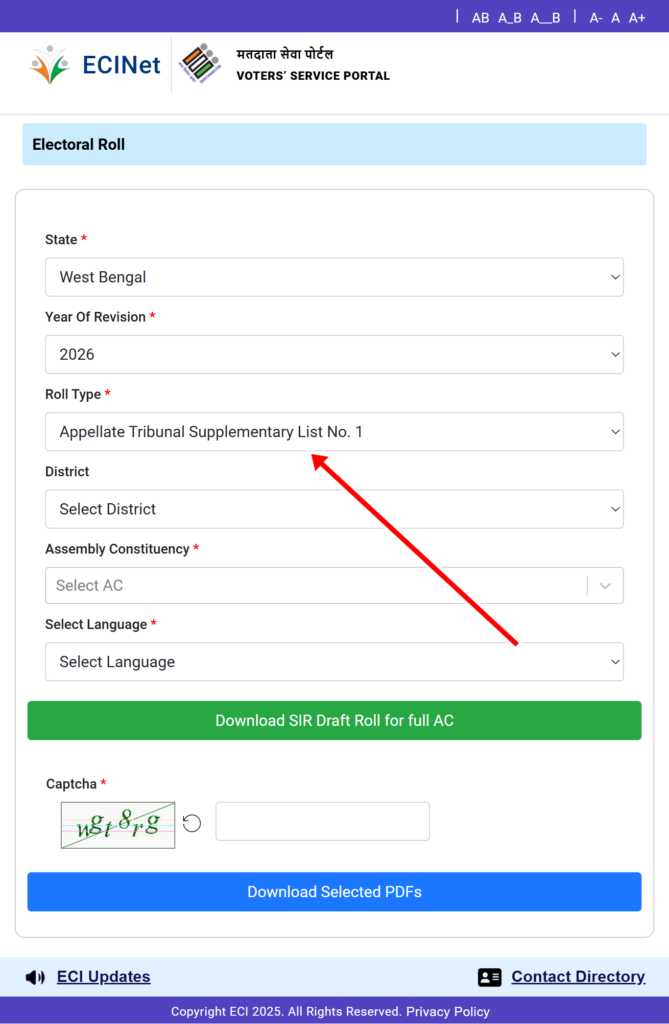
STEP 6: Select your District from the dropdown list (e.g., Paschim Bardhaman, Nadia, or Kolkata South).
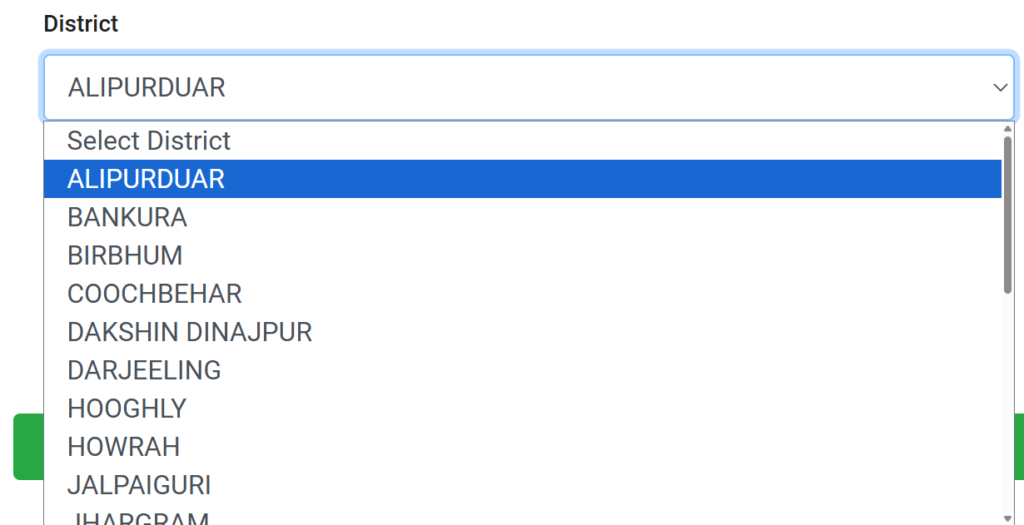
STEP 7: Select your Assembly Constituency (e.g., Durgapur Purba) from the next dropdown menu.
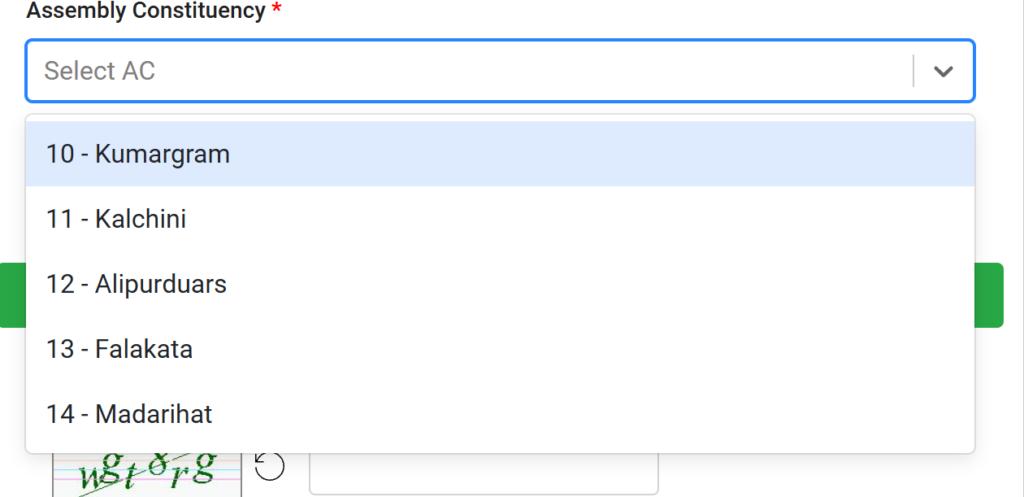
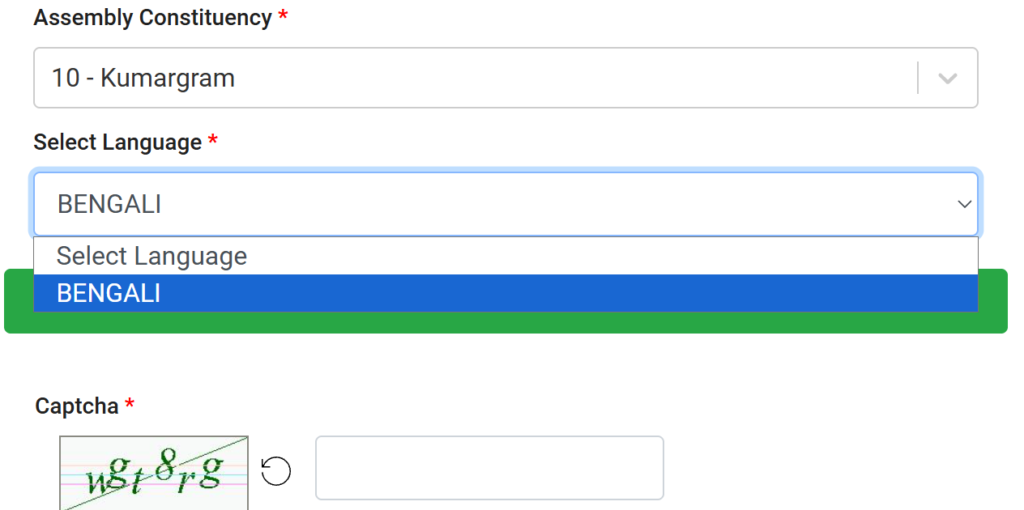
STEP 8: Choose your preferred Language (English or Bengali) for the PDF file.
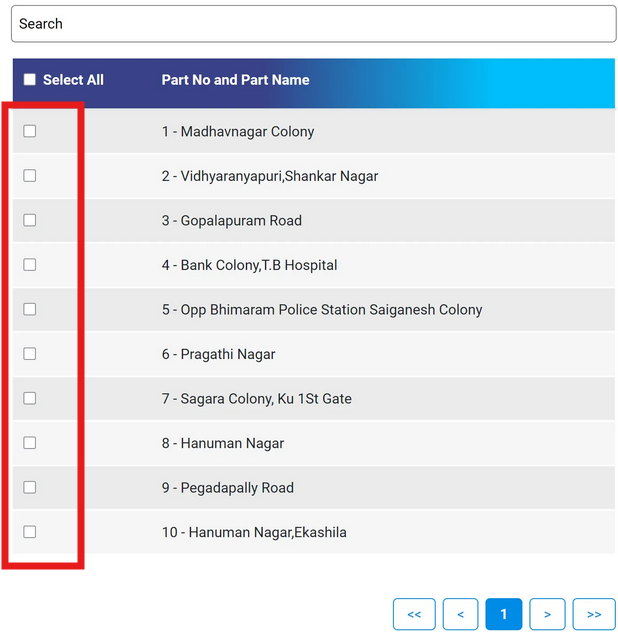
STEP 9: A list of all Polling Stations (Booths) and Part Numbers will appear. Locate your specific booth by scrolling or using the search function.
STEP 10: Enter the Captcha Code exactly as shown on the screen.
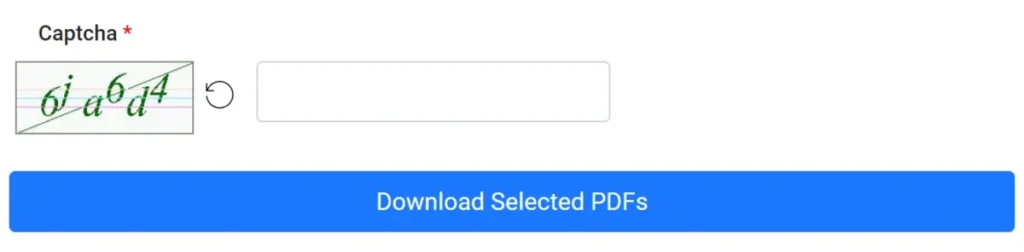
STEP 11: Click the ‘Download’ button beside your booth name. The PDF file will begin downloading to your device automatically.
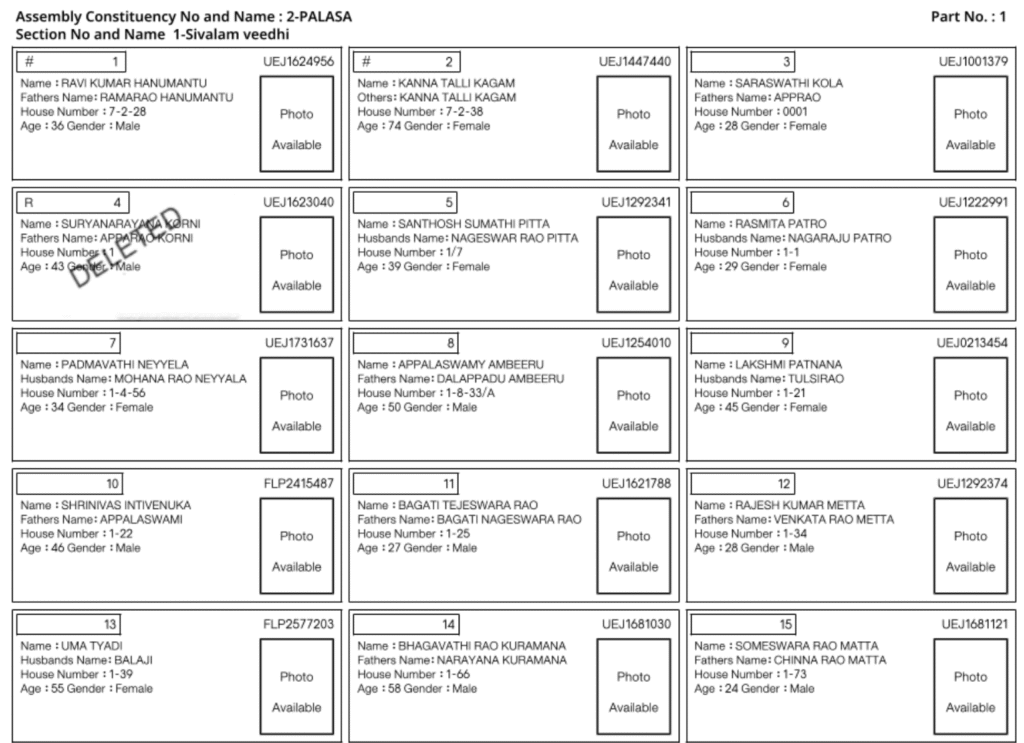
STEP 12: Open the downloaded file to verify voter details such as Name, Age, EPIC Number, and House Number.
LATEST RELATED CONTENT
- Shahada Voter List 2026 PDF Download (Nandurbar) Maharashtra Final & Draft Electoral Roll →
- Nawapur Voter List 2026 PDF Download (Nandurbar) Maharashtra Final & Draft Electoral Roll →
- Nandurbar Voter List 2026 PDF Download (Nandurbar) Maharashtra Final & Draft Electoral Roll →
- Akkalkuwa Voter List 2026 PDF Download (Nandurbar) Maharashtra Final & Draft Electoral Roll →
- Sindhkheda Voter List 2026 PDF Download (Dhule) Maharashtra Final & Draft Electoral Roll →
- Shirpur Voter List 2026 PDF Download (Dhule) Maharashtra Final & Draft Electoral Roll →
- Sakri Voter List 2026 PDF Download (Dhule) Maharashtra Final & Draft Electoral Roll →
- Dhule Rural Voter List 2026 PDF Download (Dhule) Maharashtra Final & Draft Electoral Roll →